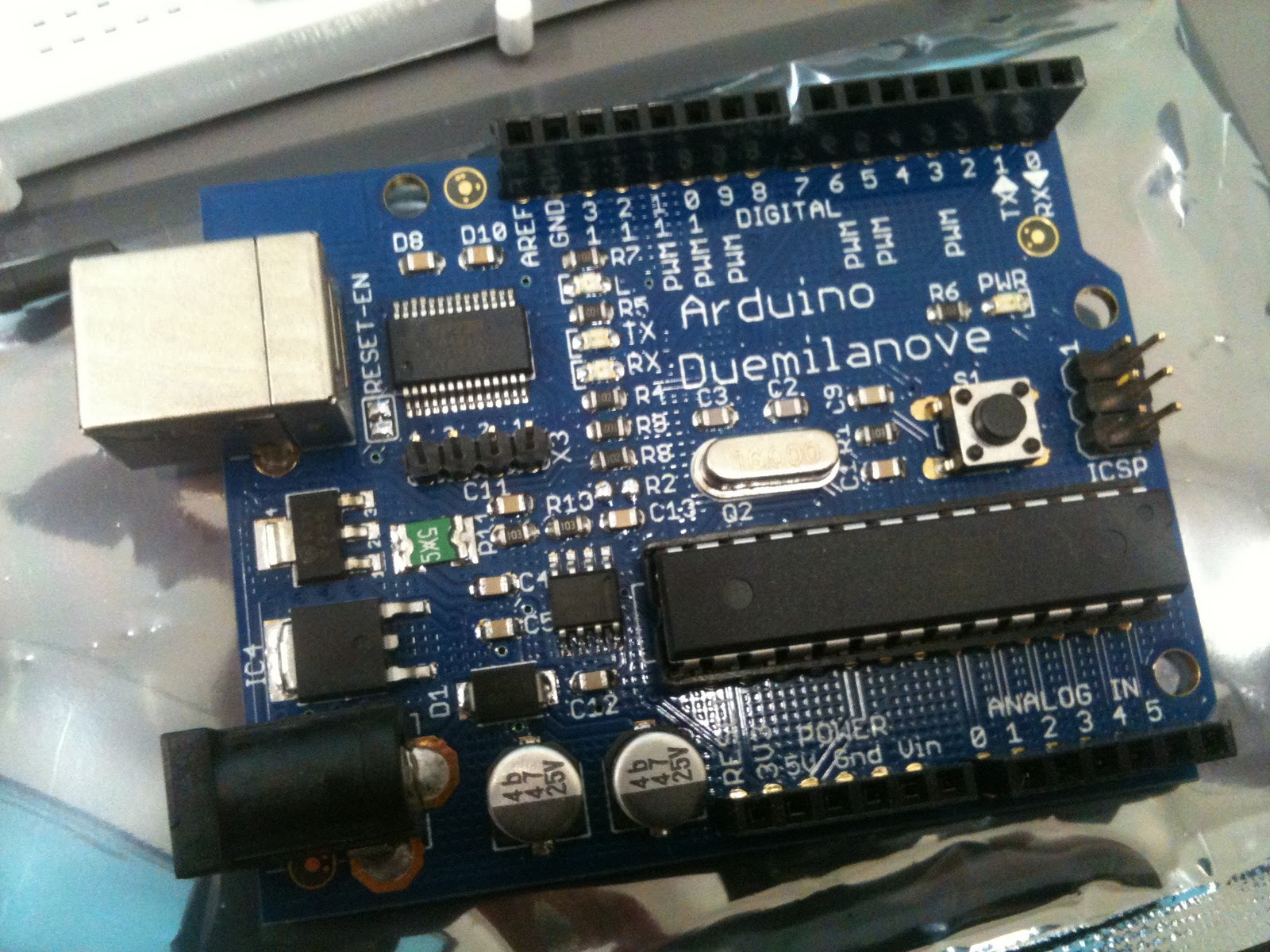
First of all, we downloaded and installed the Arduino software and a USB-to-serial driver. The Arduino IDE expects a serial connection to the Arduino. Since our Duemilanove ATmega328 connects to a computer via USB, we need to install a FTDI driver so the Arduino IDE will find it.
1. Code to run on the Arduino ✔
Standard Firmata sketch uploaded in the Arduino IDE so we never have to upload code to Arduino again. Just as well since we don't know Java. Now we will use Flash with ActionScript 3 to send commands that will get the Arduino to do what we need, and visa versa.
'Firmata is a generic protocol for communicating with microcontrollers from software on a host computer.' firmata.org2. Serial to Socket Server ✔
Serproxy configured correctly to connect Flash and the Arduino board using Arduino2Flash. After editing the serproxy.cfg file with our baud number and serial device name it worked straight away, and displayed a command prompt.
3. Flash Socket Library ✔
Next we need to add a software library to Flash that understands the Firmata protocol so that Flash will communicate with the Arduino board. For this we used the as3glue.
4. Flash Code ✔
The video below features an example that came with the glue library. Our own code is a work in progress.
Many thanks to Jean-Philippe Cote for his step-by-step tutorial.
Annie.
Tweet